1. Blackmagic DaVinci Resolve Studio 20 v20.2.3.dmg 마운트
2. Install Resolve 20.2.3.pkg 설치
3. (퓨전 스튜디오 설치시 적용/ 퓨전 스튜디오 미설치시 4번으로 이동)
3-1. Blackmagic Fusion Studio 20 v20.2.3.dmg 마운트
3-2. Install Fusion Studio v20.2.3.pkg 설치
3-3. Install Fusion Render Node v20.2.3.pkg 설치
4. 크랙 적용하기
4-1. Crack.zip 압축해제
4-2. 응용 프로그램 > DaVinci Resolve > DaVinci Resolve 우클릭 > 패키지 내용 보기
4-3. /Contents/MacOS/Resolve 삭제
Crack/Resolve 복사 후 해당 폴더에 붙여넣기
4-4. /Contents/Libraries/Fusion/libfusionsystem.dylib 삭제
libfusionsystem.dylib 복사 후 해당 폴더에 붙여널기
================ 원 본 ================
Install
Go to DaVinci Resolve folder, right click on DaVinci Resolve, Show content and Contents
Replace Resolve on Contents\MacOS
Replace libfusionsystem on Libraries\Fusion
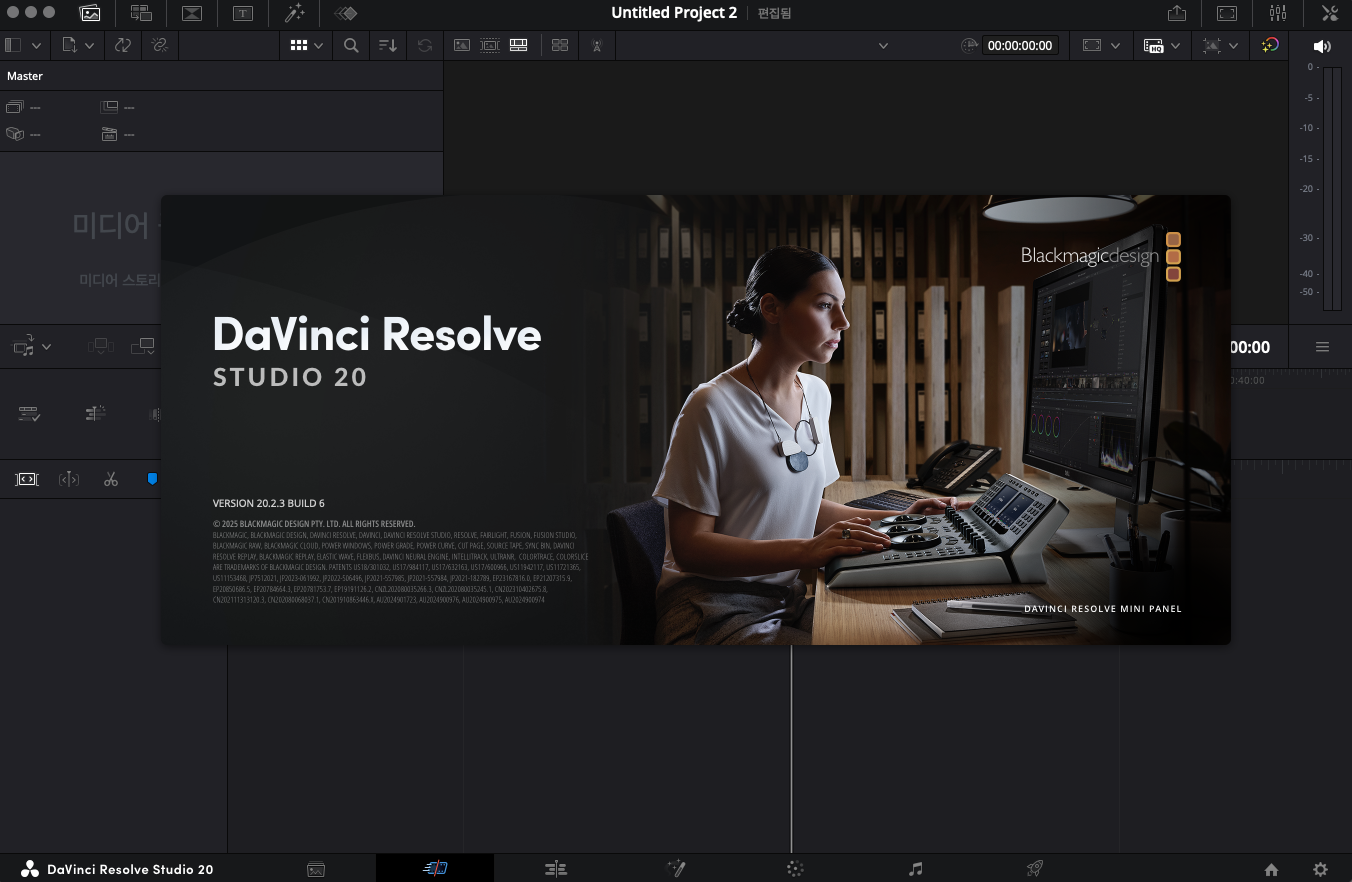
Blackmagic Design DaVinci Resolve Studio 20.2.3 Multilingual macOS
DaVinci Resolve Studio is the world’s only solution that combines professional 8K editing, color correction, visual effects and audio post production all in one software tool! You can instantly move between editing, color, effects, and audio with a single click. DaVinci Resolve Studio is also the only solution designed for multi user collaboration so editors, assistants, colorists, VFX artists and sound designers can all work live on the same project at the same time! Whether you’re an individual artist, or part of a large collaborative team, it’s easy to see why DaVinci Resolve is the standard for high end post production and finishing on more Hollywood feature films, television shows and commercials than any other software.
Introducing the Cut Page!
Designed specifically for editors working on high end fast turn around work such as television commercials and even news cutting, the cut page is all about speed. It’s an alternate edit page with a streamlined interface and revolutionary new tools that will help you work faster than ever. The cut page lets you import, edit, trim, add transitions, titles, automatically match color, mix audio and more. Whether you’re delivering for broadcast or for YouTube, the cut page has everything you need to get the job done, all in one place. Plus, the regular edit page is still available so you can switch between edit and cut pages to change editing style right in the middle of a job.
New Editing Features in DaVinci Resolve Studio:
DaVinci Resolve includes everything professional editors need to cut blockbuster films, television shows, and commercials. It’s perfect for both offline and online editing. The high performance playback engine makes editing and trimming incredibly fast, even for processor intensive formats such as H.264 and RAW.
New Fusion VFX Features in DaVinci Resolve Studio:
With over 250 built in tools, Fusion VFX’s advanced 3D compositing engine and node based workflow let you quickly connect effects and tools together in a flow chart style, making it easy to create cinematic feature film quality visual effects and broadcast motion graphics right inside of D